
Mobile Wallet
Simple. Secure. Convenient
Enjoy fast, secure, cardless payments by adding your Debit Mastercard or Debit Membercard to your phone or mobile device.
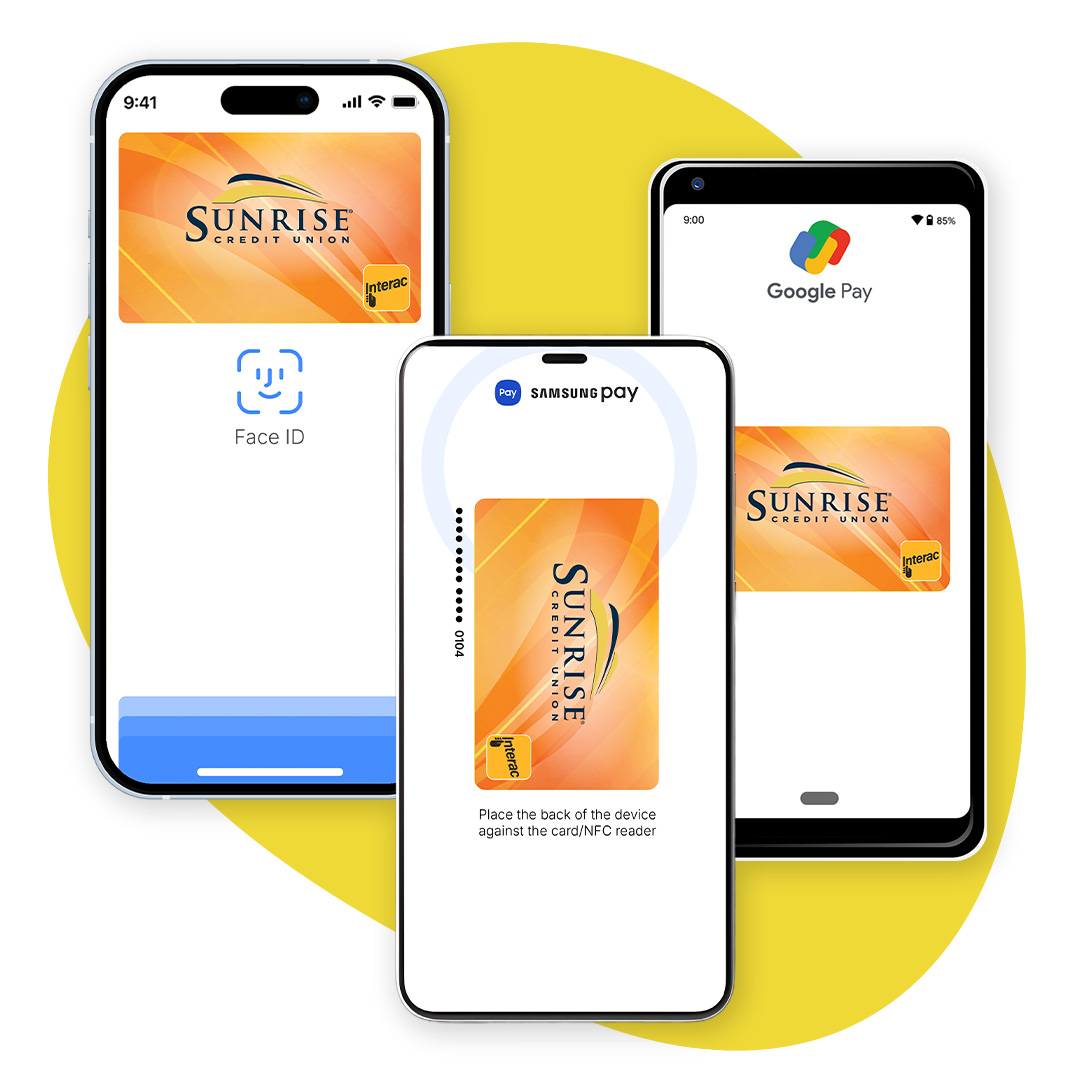
Setup your mobile wallet with one of our mobile payment options.
Mobile wallet is accepted at any retailer that displays the Interac® Flash logo or the contactless symbol.
If you experience any issues registering this card in your mobile wallet, please contact your local branch.



Adding a Card to Google Pay is Easy
With your smartphone:
- Download Google Wallet from the Google Play Store.
- Open the Google Wallet app.
- Tap the (+) sign.
- Follow the on-screen instructions to add your Sunrise Debit Mastercard.
With your wearable:
- Open Google Wallet on the watch.
- Tap(+) to Add Card to choose from the cards on your phone.
- Follow the on-screen prompts to complete setup.
Paying with Google Pay
With your smartphone:
- Unlock your phone.
- Hold your phone over the terminal until you see a blue check mark on the screen.
With your wearable:
- On your watch, open the Google Wallet app.
- Hold your watch over the contactless payment terminal until you hear a sound or feel a vibration from your watch.
When paying within apps:
- With Google Pay, you can check out in apps without having to enter your payment information. Shop, order takeout, or get tickets to that just-announced show with the simple press of a button.
Adding a Card to Samsung Pay is Easy
With your smartphone:
- Follow on-screen instructions to add your Sunrise Debit Mastercard and then select your preferred method to verify the card.
- Select your desired security or authentication options. You’re all set to start using Samsung Pay!
Paying with Samsung Pay
- Simply swipe up from the home button on your Samsung Galaxy smartphone to access your Sunrise Debit Mastercard, use your PIN, iris, or fingerprint to authorize your purchase, then hold your phone over the payment terminal to complete your transaction.
Adding a Card to Apple Pay is Easy
iPhone:
- Open the Wallet app.
- Tap (+) in the upper right corner.
- Follow the on-screen instructions to add your Sunrise Debit Mastercard.
Apple Watch:
- Open the Apple Watch app on your iPhone.
- Go to the My Watch tab. If you have multiple watches, choose one.
- Tap Wallet & Apple Pay and select Add Credit or Debit Card.
- Follow the on-screen instructions to add your Sunrise Debit Mastercard.
Paying with Apple Pay
- If using an iPhone 8 or earlier with Touch ID, rest your finger or thumb on the Home button and hold the top of your iPhone within a few centimetres of the contactless reader. You will see Done and a checkmark on the display, letting you know your payment was approved. If vibration and sounds are enabled, you will feel a subtle vibration and hear a beep.
- To pay with an iPhone X, double-click the side button, then glance at the iPhone X to authenticate with Face ID or enter your passcode. Hold the top of the iPhone X within a few centimetres of the contactless reader until you see Done and a checkmark on the display.
- With an Apple Watch, double-click the side button and hold the display of your Apple Watch within a few centimetres of the contactless reader. Wait until you feel a gentle tap. You will see Done and a checkmark on the display, letting you know your payment was approved.
Discover the Benefits - Fill Out the Form Today!

Oops! Something went wrong while submitting the form.
.svg)